Social media approval tool: an agency workflow guide
Build a review process that makes the final version, reviewer and publishing decision clear. Includes a handoff template and tool evaluation checks.
By the Brandora team · · 5 min read
What does a social media approval tool do?
A social media approval tool gives a team a place to review a post, request changes and approve the version intended for publication. It helps connect the caption, creative, destination and timing to a clear decision. The critical buying question is whether your required approval actually blocks publication or merely records feedback.
For agencies, the problem is often ambiguity: one person approved the image, another changed the caption, and the scheduled version no longer matches either review. Software helps only when the team agrees on who approves what and what counts as a material change. Start with those rules, then select the tool.
A practical social media approval workflow
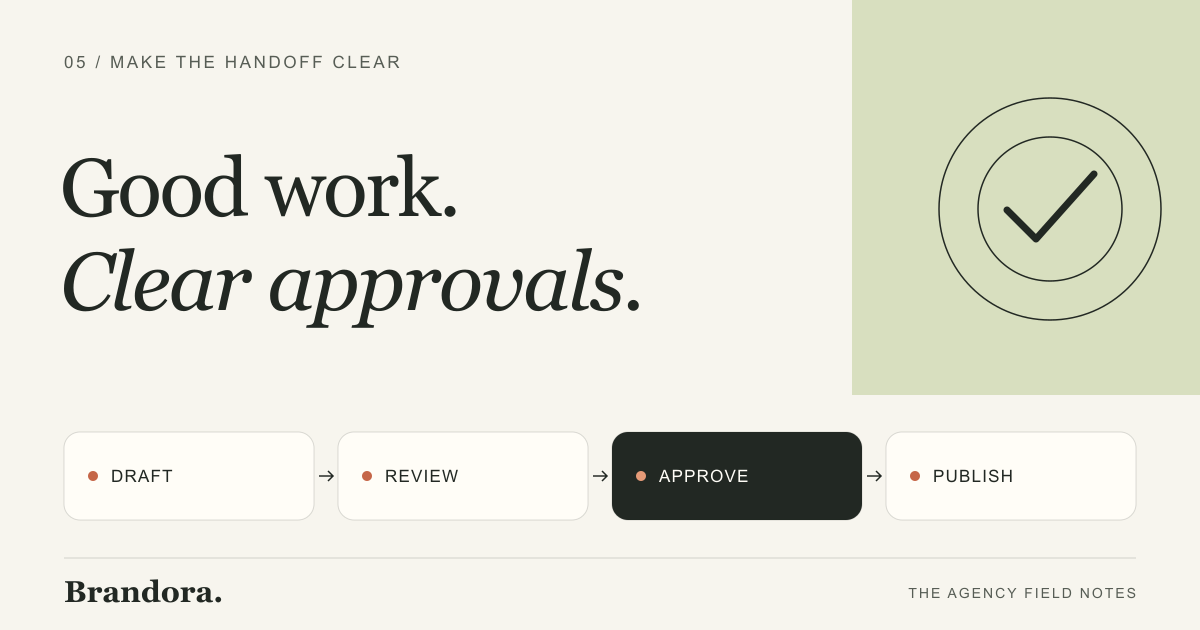
Use a small number of explicit stages. Each stage should have an owner and an exit condition. Avoid making “looks good” in an unrelated chat the only approval record; the reviewer should be able to identify the exact post and version they accepted.
| Stage | Owner and exit condition |
|---|---|
| Draft | The creator assembles copy, creative, destination account and proposed timing from the brief. |
| Internal review | The agency reviewer checks facts, brand voice, asset quality and channel requirements. Corrections are resolved before client review. |
| Client review | The agreed client reviewer approves the proposed version or requests specific changes by the agreed deadline. |
| Approved | The agency confirms that the approved copy, asset and account match the version ready to publish. |
| Scheduled or published | The publishing owner checks the schedule and actual delivery status. A failed publication remains an unresolved task. |
Not every client needs every stage, and not every product implements these as separate statuses. Treat this as a process to map onto the software. If a client requires two sequential approvals, verify that the product enforces that sequence; do not assume that inviting two reviewers creates a two-stage gate.
Send reviewers a complete decision
A reviewer should not have to reconstruct the campaign from several messages. Include the objective, final copy, final asset, destination account and deadline in the review handoff. Tell them what kind of feedback is needed. Approval of a concept is a different decision from approval to publish the finished post.
Client approval handoff
Client / campaign: Post or review link: Objective and audience: Final caption and creative: Destination account and format: Proposed publication date, time and time zone: Facts or offers requiring confirmation: Decision needed: approve this version or request changes Approver and review deadline: If the deadline is missed: hold publication and agree a new time
For example, a coffee shop’s seasonal offer might require the owner to confirm the price and availability. Ask for that decision explicitly before the post goes live. A designer can review the layout without being the person responsible for confirming the offer. This illustrative division of responsibility prevents a general creative approval from being mistaken for factual sign-off.
What to test in a social media approval tool
- Publication gate: try to schedule or publish an unapproved post using a creator-level account. Verify what the tool actually prevents.
- Client view: invite a test reviewer and inspect exactly which drafts, assets and accounts they can see.
- Version changes: approve a draft, then change the caption, asset, link or destination. Check whether approval resets and whether the reviewer is notified.
- Feedback location: verify that comments stay attached to the relevant post so the team knows which request has been resolved.
- Bulk actions: test a mixed batch containing ready posts and posts needing changes. Understand whether an action applies to selected items or the whole batch.
- Timing: confirm time zones and what happens when approval arrives after the planned publication time.
- Delivery failure: inspect the status and owner of a post rejected by the platform or blocked by a disconnected account.
These are evaluation tests, not claims that every product supports every behavior. Buffer’s collaboration page documents draft review, notes and approval before scheduling. Planable’s approval documentation describes sending individual or bulk requests, and explains that a request is needed for a post to appear in a reviewer’s approval queue. Check plan requirements and run your own workflow.
Agree on revision and missed-deadline rules
Decide in advance which edits require renewed approval. Changes to an offer, claim, destination link, creative or account should normally return to the appropriate reviewer. If the tool does not enforce the rule automatically, document the manual step and decide whether that is acceptable for your volume.
A missed review deadline should have a known consequence. A simple default is to hold the post and agree a new publication time. For time-sensitive campaigns, establish a backup reviewer before the deadline. Do not invent an emergency process while a promotion is already due to launch.
If a post fails after approval, separate the content decision from the delivery issue. Correcting an expired connection may not change the approved work; replacing a video or rewriting a caption does. Give one person responsibility for checking that the final published version still matches the decision.
How Brandora handles approval
Brandora’s agency workflow includes reviewing, editing or rejecting work before publication, bulk approval, and inviting team members or clients into a workspace. Its published FAQ states that nothing publishes until it is approved. The product describes publishing to LinkedIn, Meta and TikTok through a managed pipeline.
This does not establish anonymous review links, custom sequential approval chains or automatic approval resets after every possible edit. Verify any such requirement in a demo. For the larger production process, read how an AI marketing team works. For client branding and account handoffs, see white label social media management.
Social media approval questions
Is a shared content calendar enough for client approval?
Only if it makes the exact version, reviewer and decision clear and fits your publication rules. A calendar showing a draft does not by itself prove that someone approved it or that unapproved publication is blocked.
Should client silence count as approval?
A practical default is to hold publication when no decision arrives. Agree on review deadlines, a backup reviewer and any exceptions before the campaign begins.
Can AI-generated social posts go straight to publishing?
They can contain inaccurate claims, mismatched product details or unsuitable wording. Assign a human review step. Brandora’s documented workflow requires approval before publication.
Does inviting multiple reviewers create sequential approvals?
Not necessarily. Several people may be able to approve the same post independently. If your process requires one approval followed by another, verify that exact behavior with the vendor.
Brandora for agencies
Make review part of delivery.
See how Brandora connects client workspaces, content production and approval before publication.