How to use AI for social media marketing (one brief, many posts)
Turn one brief into a week of on-brand social drafts with AI, without the generic tone, and check them properly before anything goes out.
By the Brandora team · · 8 min read
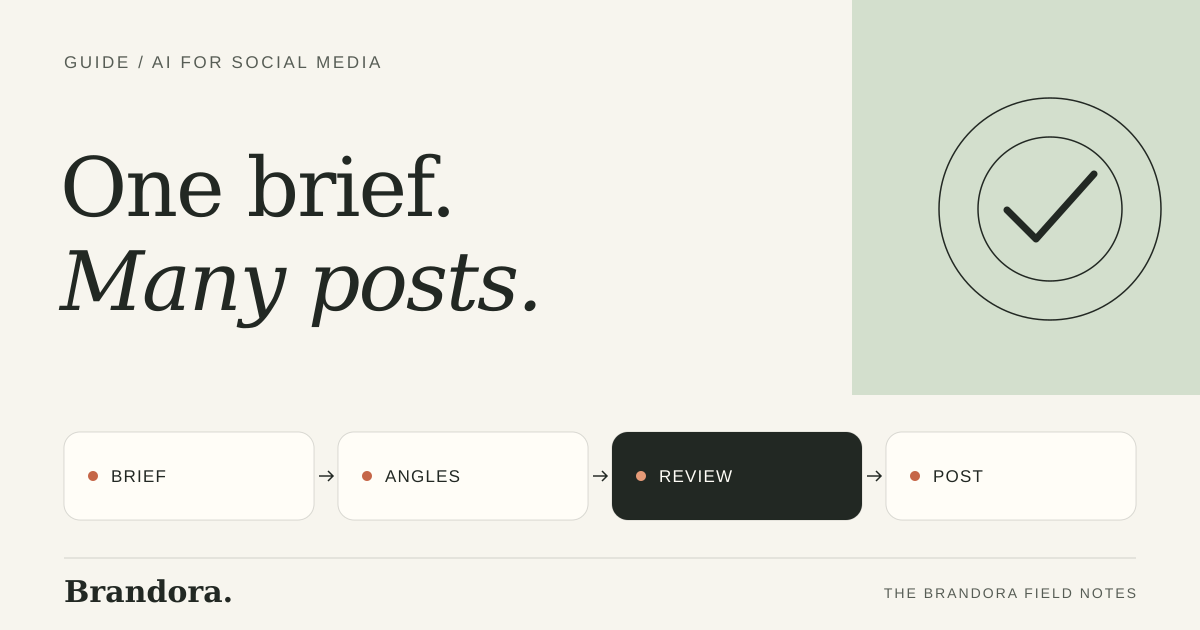
The short answer
- Give AI a real brief, not a topic: the offer, the buyer, their objection, the action and the facts it may use.
- Ask for several angles from that one brief, one per post, in the format each channel needs, using your own brand material for tone and look.
- Review every draft for facts, claims and voice before publishing. Brandora does the drafting from your brand kit and holds every post for your approval.
Why AI social posts sound generic
Most AI posts sound the same because they are made from the same thin input: "write an Instagram post about our new product". With no buyer, no objection and no facts, the model fills the gaps with safe, familiar phrases. The fix is not a cleverer prompt. It is a better brief and your own brand material.
Step 1: write the brief once
Social media brief for AI
Offer: (what, price, deadline) Buyer: (who, in what situation) Main objection: (what stops them) Action: (what to do next, and the link) Facts allowed: (sizes, ingredients, dates, prices) Not allowed: (claims you cannot prove, competitors by name) Voice: (three words, plus one past post you liked) Channel and formats: (e.g. Instagram, 2 carousels, 1 reel, 1 single image)
This is the same discipline as any good marketing brief. The few minutes it takes saves rewriting every draft.
Step 2: ask for different angles, not different wording
From one brief, ask for one draft per angle. Five posts that say the same thing in different words wear out an audience fast. Five angles each give a different reason to act.
| Angle | What the post does | Format that suits it |
|---|---|---|
| Problem | Names the situation the buyer is in | Single image or short video |
| How it works | Shows the product or service in use | Carousel or reel |
| Objection | Answers the main worry directly | Carousel |
| Proof | Shows a result, a review you may share, or how it is made | Image or reel |
| Offer | States the offer and deadline plainly | Single image |
Step 3: keep it on brand
- Give the AI your real brand material: colors, fonts, logo and a few posts you are proud of.
- Use your own product photos as the base for images, and check the product still looks exactly right.
- Keep a short banned list: words you never use and claims you cannot make.
- Edit the first batch heavily, then tell the tool what you changed, so the next batch starts closer.
Brandora handles this by building a brand kit from your website: products, photos, colors, fonts and voice. Every draft starts from it, you can edit it at any time, and every rejection teaches the next batch.
Brandora · 7-day free trial
One brief, a week of on-brand posts.
Brandora drafts social posts from your brand kit, publishes the ones you approve and shows which brought customers. 7-day free trial.
Step 4: review before anything goes out
- Facts: prices, dates, sizes and names match the brief.
- Claims: nothing promises a result you cannot back up, and no invented reviews.
- Product: images show the product accurately.
- Action: the link works and goes to the right page.
- Voice: it sounds like you, not like everyone else.
Our content approval workflow turns this into a checklist you can reuse, including who approves what.
Step 5: measure which posts bring customers
Give every post its own tracking link so you can see visits, enquiries and sales per post, then make more of the angles that work. With the Brandora pixel on your site, each post Brandora publishes carries its own link automatically, and the next week's plan builds on what brought results.
AI for social media marketing FAQ
How can I use AI for social media marketing?
Write one brief with the offer, buyer, objection, action and allowed facts. Ask AI for one draft per angle in each channel's format, using your brand material. Review every draft, then publish and track results per post.
How do I stop AI social posts from sounding generic?
Give the AI a specific brief and your own brand material, ask for different angles rather than rewordings, and edit the first batch so later drafts start closer to your voice.
Should AI post to social media automatically?
Only after a person has approved each post. Scheduling approved posts is safe. Publishing unreviewed drafts is not. In Brandora, nothing publishes without approval.
Brandora · 7-day free trial
Social posts that sound like you.
Drafted from your brand kit, approved by you, published on schedule and tracked per post. 7-day free trial.