How to see which ad made a sale (for small online stores)
Meta says one thing, Shopify says another. Here is how to tie each sale to the ad that brought it, without an analytics team.
By the Brandora team · · 8 min read
The short answer
- Give every ad its own tracking link with UTM tags, keep Meta's Pixel and Conversions API on your store, and compare what Meta reports with what your store reports.
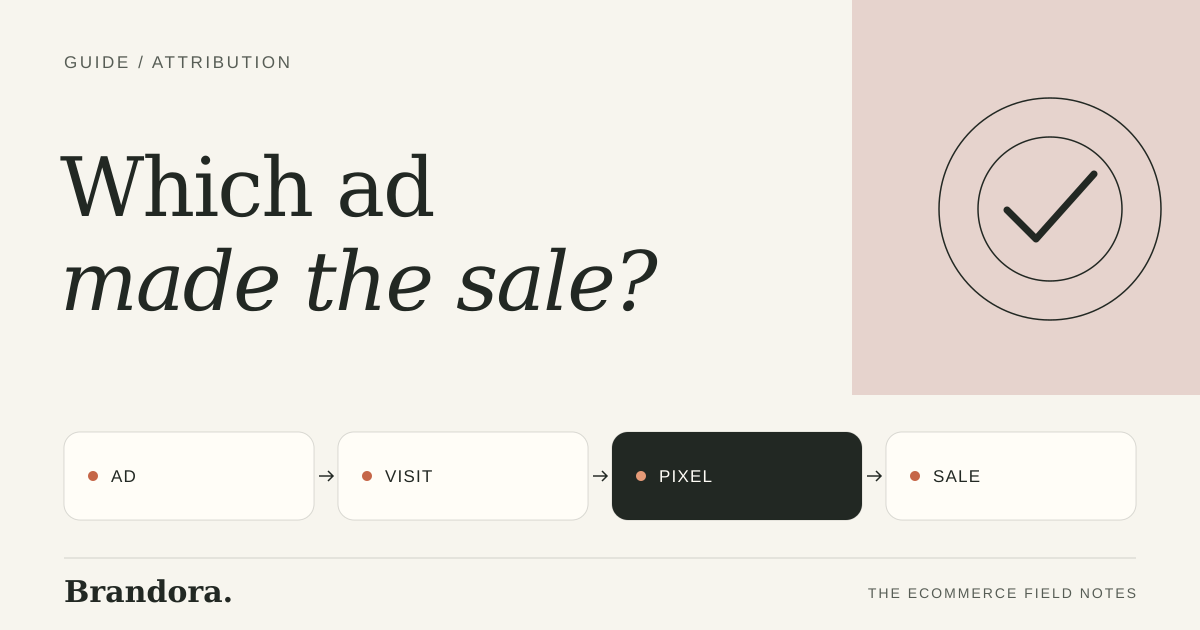
- The Brandora pixel does this for you. Add it to your store once, and every ad and post Brandora sends out carries its own tracking link, so each visit and sale traces back to the exact piece that brought it.
- Expect numbers to differ between tools. Look for which ads lead in every view, not for one perfect number.
Why the numbers never match
Meta, your store and any analytics tool each count a sale differently. Meta can credit a sale to an ad someone saw days earlier on their phone, then bought from on a laptop. Your store usually credits the last click that brought the visitor. Privacy settings and ad blockers hide some visits from browser-based tracking. None of them is lying. They answer slightly different questions.
| Source | What it counts | Watch out for |
|---|---|---|
| Meta Ads Manager | Purchases Meta attributes to each ad, within its attribution window | Includes view-through credit by default for some setups |
| Store reports | Sales by traffic source and UTM tags | Last click wins, so earlier ads get no credit |
| A first-party pixel | Visits and sales tied to the exact tracking link that brought them | Only covers links that carry its tags |
A setup any small store can run
- Keep Meta's Pixel and the Conversions API on your store. On Shopify, the free Facebook & Instagram by Meta channel sets both up.
- Tag every ad link with UTM parameters: utm_source, utm_medium, utm_campaign and a utm_content value unique to each ad.
- Name ads so the name tells you the concept, for example product, angle and format.
- Each week, list your top ads by purchases in Meta, then check the same ads by utm_content in your store reports.
- Act on ads that lead in both views. Be cautious with ads that only look good in one.
UTM template for one ad
?utm_source=meta&utm_medium=paid_social&utm_campaign=spring_sale&utm_content=bottle_problem_fix_4x5
The faster way: the Brandora pixel
Tagging every link by hand is where the system breaks. Someone forgets a tag, two ads share a name, and the report stops making sense. Brandora removes that step. Add the Brandora pixel to your store once. Every ad and post Brandora sends out carries its own tracking link, so the pixel ties each visit and sale to the exact piece that brought it.
On the Growth plan, Cam also reads your Meta results. You see sales per ad from the Brandora pixel with a plain verdict on each one, keep or cut, and next week's ads build on what actually sold. It works the same for social posts, so you can see whether an Instagram post brought buyers or just likes.
Brandora · 7-day free trial
See sales per ad, not just clicks.
Start a 7-day free trial, add the Brandora pixel to your store and launch your approved ads from Brandora.
The five numbers a small store should track per ad
| Number | Why it matters |
|---|---|
| Spend | Tells you whether the ad has had a fair chance yet |
| Purchases | The outcome you are paying for, from Meta and from your store |
| Cost per purchase | Spend divided by purchases, the main keep or cut number |
| Revenue per purchase | Some ads bring bigger baskets, which changes what you can afford |
| Visits from the ad's link | Shows whether the ad brings people even when they do not buy yet |
Keep the list short. Five numbers you check every week beat twenty you never read. If you are still setting up Meta on your store, start with how to make Facebook ads for a Shopify store, which covers the Pixel and Conversions API.
How to read the results
- Compare ads on cost per purchase, not click-through rate. Cheap clicks that never buy are expensive.
- Give each ad enough spend to judge. A single sale is not a pattern.
- Look at the angle, not just the ad. If every problem-and-fix ad sells, make more of them.
- Re-check winners every week. Ads wear out, see ad creative fatigue.
Ad attribution FAQ
How do I know which Facebook ad made a sale?
Check purchases per ad in Meta Ads Manager, give each ad a unique UTM tag so your store reports can confirm it, or use the Brandora pixel, which ties each sale to the exact ad Brandora sent out.
Why do Meta and Shopify show different sales numbers?
They count differently. Meta credits ads within its attribution window, including some views. Shopify usually credits the last click. Both are useful, and neither is complete on its own.
What is the Brandora pixel?
A tracking pixel you add to your store once. Every ad and post Brandora sends out carries its own tracking link, so the pixel can tie each visit and sale to the piece that brought it.
Does the Brandora pixel replace the Meta Pixel?
No. Keep the Meta Pixel and Conversions API so Meta can optimise delivery. The Brandora pixel gives you your own view of which Brandora ad or post brought each sale.
Brandora · 7-day free trial
Know which ad sold.
Fresh ads every week, launched when you approve, with every sale traced back to its ad by the Brandora pixel. 7-day free trial.